PaymentVision 5.31 is now available in production. The purpose of this release is to make 1 enhancement (2-factor Authentication).
2-factor Authentication
2-Factor Authentication (2FA) is an existing feature that requires a user to login with something they have (soft token) and something they know (password). Clients can now configure the PaymentVision Portal to additionally require a one-time passcode (OTP).
How it Works
Implementation
Clients can enable 2FA in their Organization Profile within the PaymentVision Portal.

User Registration
- When 2FA is enabled, users are prompted to register next time they log in.
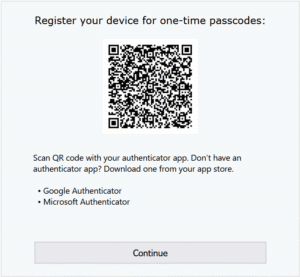
- Users initiate the registration process by opening an authenticator application on their mobile device and scanning the QR code. Users complete the registration process by entering the one-time passcode (OTP) displayed in the authenticator application.


Login
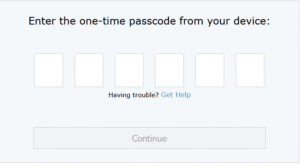
When a user is registered for 2FA, they are prompted to enter an OTP each time they login.
Help
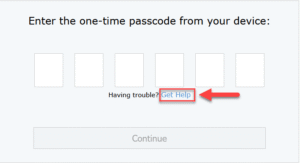
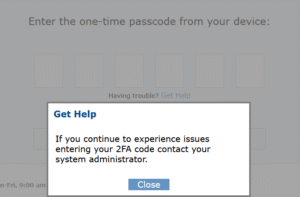
- If a user is having trouble logging in, they can request help by clicking on the help link.
- This will present help instructions.

Rescue
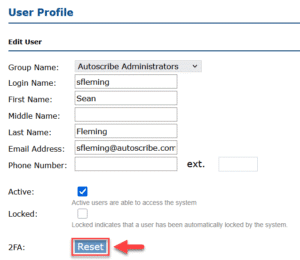
A manager, with the appropriate permission, can disable 2FA to rescue a user who is having trouble logging in. This will enable the user to re-register in the event that they no longer have access to the account within their authenticator application.