
PayWeb360 v1.23 is now available in production. The purpose of this release is to make 5 enhancements (Agent Links, Balance Presentment), and resolve 6 issues (ADA Compliance, Settlement Offers).
Agent Links
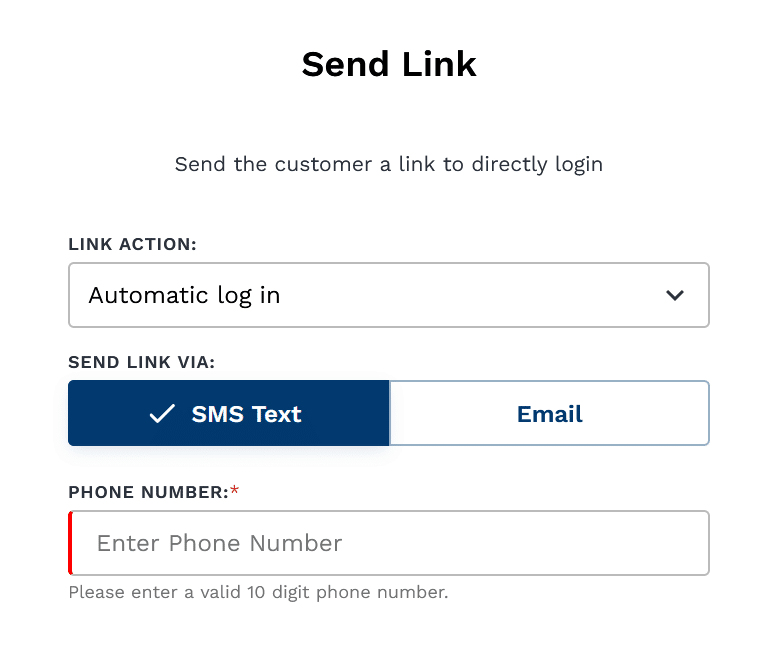
Agent Links is an existing feature that enables an agent to send a PayWeb360 link
. 
Delivery Methods
Previously limited to email, Agent Links can now be sent via SMS.
Payments
Previously limited to one-time payments, Agent Links can now be sent for payment plans.
User Flow
Payment links used to land on the Make Payment page.
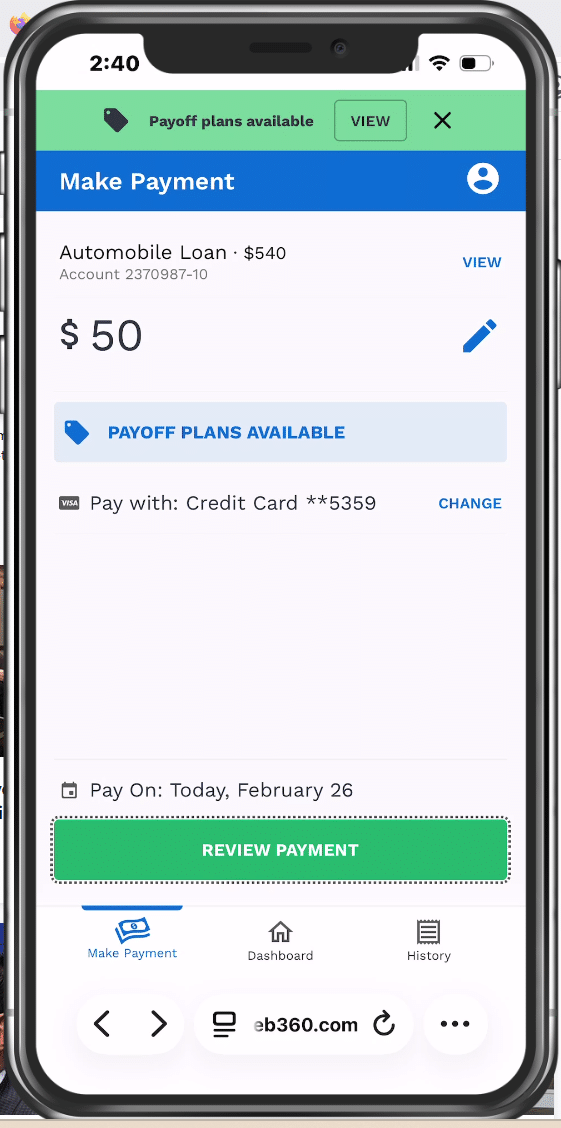
Now they land on the Add Payment Method screen.
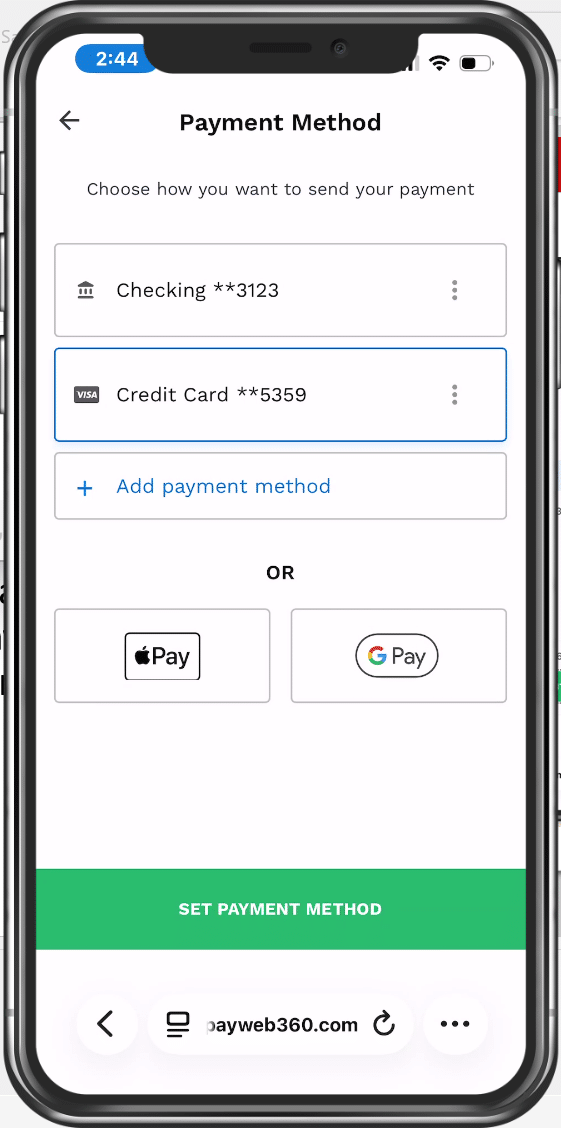
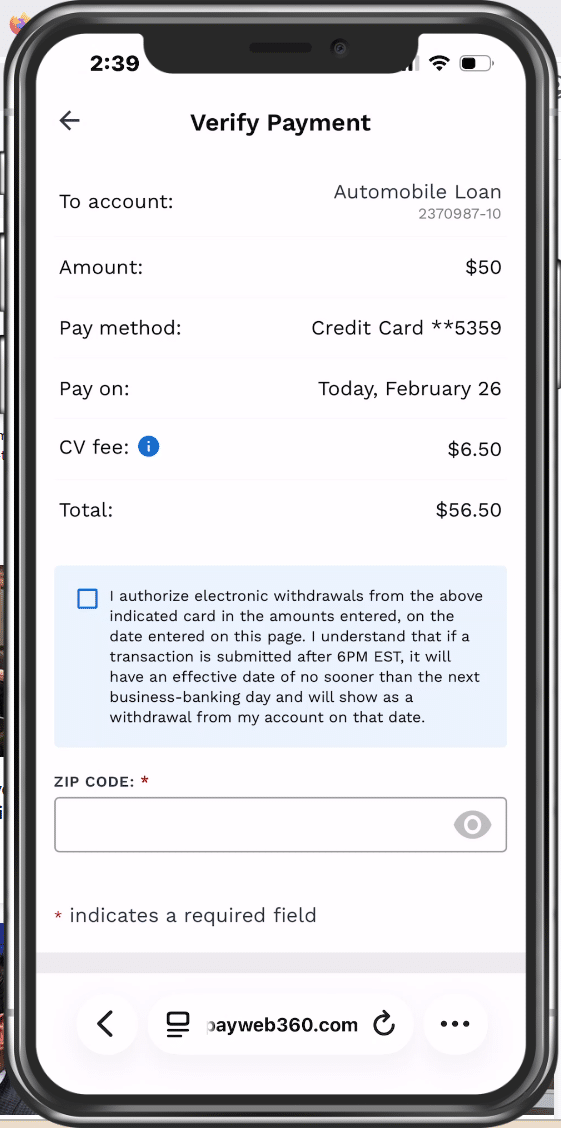
Users used to return to the Make Payment page before advancing. Now they advance directly to the Verify Payment screen.
Reporting
The messages that contain Agent Links will now be included in our email and SMS reporting.
Balance Presentment
PayWeb360 can now be configured to automatically adjust the balance when a payment is made.
Intended Use
This enhancement is intended to be a workaround in cases where a real-time integration is not feasible.
Hypothesis
Users are less likely to make duplicate payments when they can see their balance update in real-time.
ADA Compliance
We fixed the following Americans with Disabilities Act (ADA) compliance issues as part of this release:
- An empty form label error on the Make Payment, Link Sent, Payment Method and Your Information screens
- A broken ARIA reference error on the Make Payment and Link Sent screen
- A color contrast issue on the Payment Date screen
- A missing form label error on the Verify Payment page
- An Img Element has no accessible name error on the Verify Payment page
Settlement Offers
We fixed an issue causing a blank Settlement Offer screen when Google or Apple Pay is selected as a payment method.
Known Issues
The following issues were deemed to be non-critical, and we intend to fix them in a future release.
| Agent Links |
|
| Payment History | A user can cancel a payment plan that is awaiting approval, even if it was created by another customer who is also linked to the account. |
| ADA Compliance | WAVE reports a WCAG A “Empty table header” accessibility error on the datepicker calendar within the Payment Date screen. This is not an actual ADA accessibility issue, because the element that triggers the warning is not visible to users. It’s only a structural separator and does not require a header to be announced by assistive technologies. |